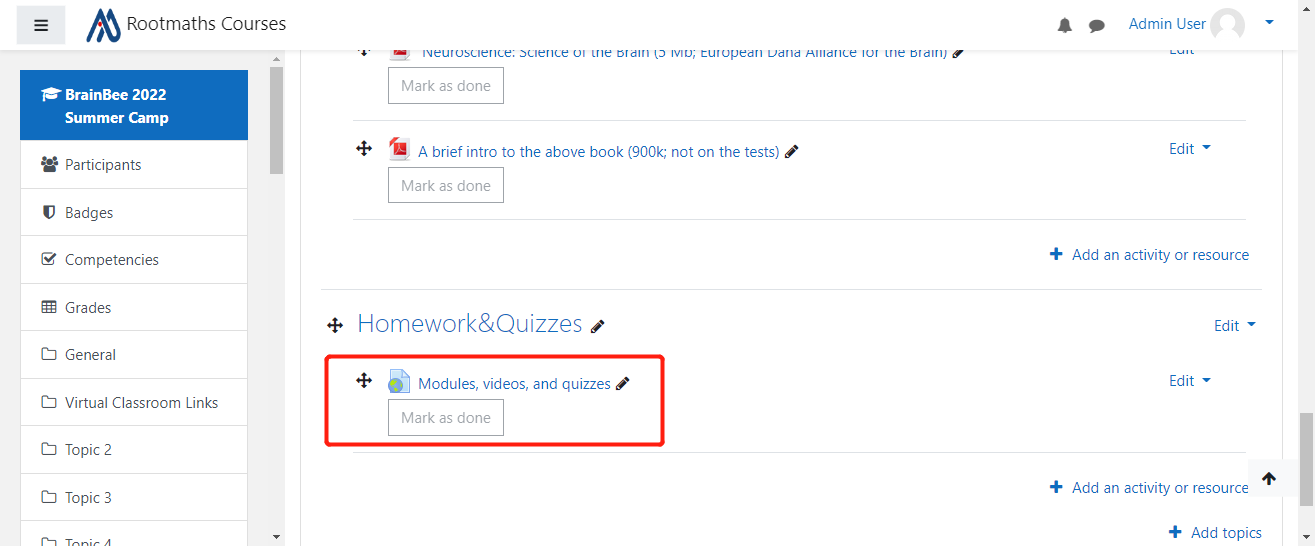
UserAdmin发表的博客
1.Register with your email account
Open our main website:
https://rootmaths.com/
The website will send an activation email to your email box, check out your email and click the link inside to activate your account.
Please NOTE: if you can not see the email, make sure to check out the junk email folder.
2.Tell us your email account in https://rootmaths.com/
This is a must as we need it to bind your email account to our VIP course;
3.Login TutorDrill APP or Login VIP course website:
A.For Apple User:
or Scan to download

B.For Google User:
or Scan to download

C.Login VIP course site with the same email and password:
4、Finish your homework
You can easily find the course entrance on both APP and VIP course site, just follow the system prompts to finish it.
if you can not find the correspondent homework,please click Home link to quit live classroom course and return to your home page:
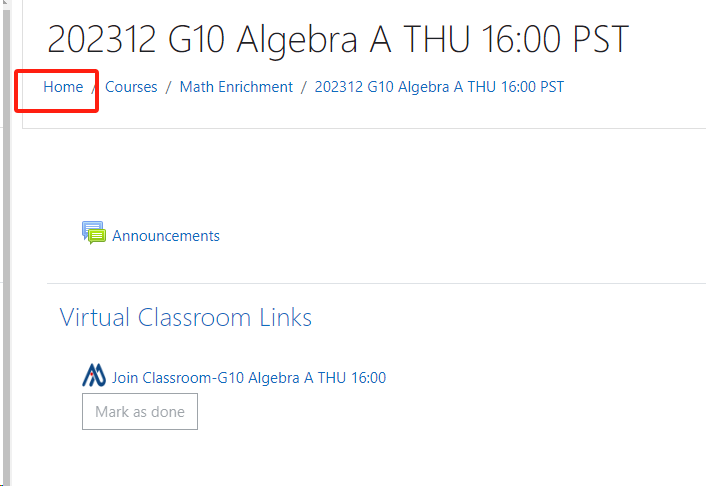
Here you will see all the courses you already joined, please find the course with name postfix as "Coursewares and Homeworks ",
click into this course then you are good to review the courseware examples and homeworks.

Just do the homework as the system prompts。