UserAdmin发表的博客
1.Download and install TutorStudio APP
A.For Apple User:
or Scan to download

B.For Google User:
or Scan to download

2.Login TutorStudio APP with your credential.
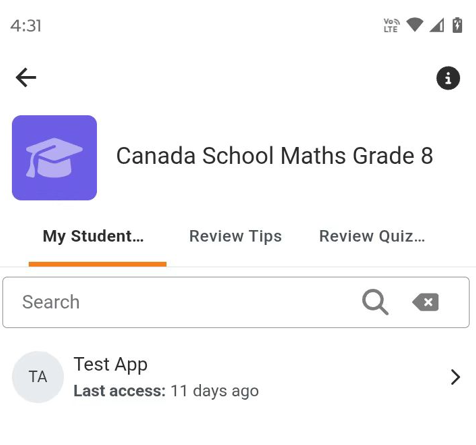
3.In TutorStudio APP, Open the course you are tutoring the students by Site home->My Courses->Course Name.
You will see all your students in this course or you can search any student by name.
If you are already connected with your student, you can just choose your student and click "Review Mistakes" button to review their homework practices:
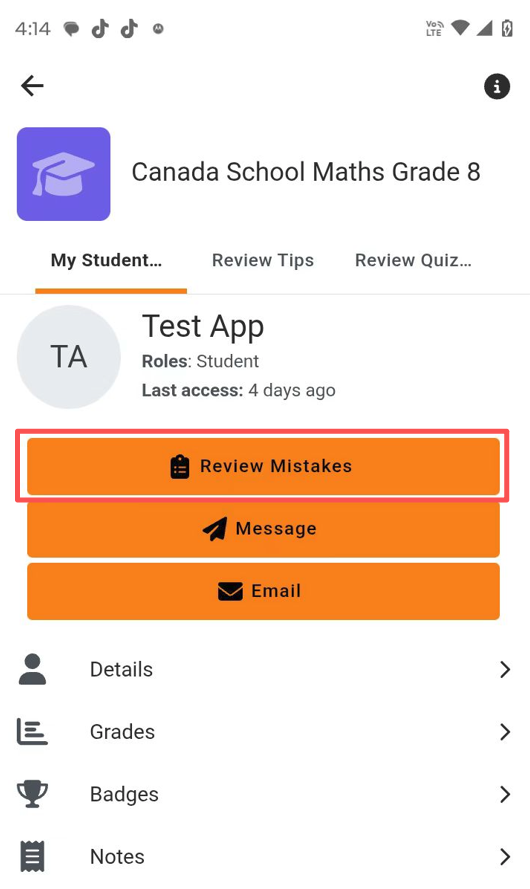
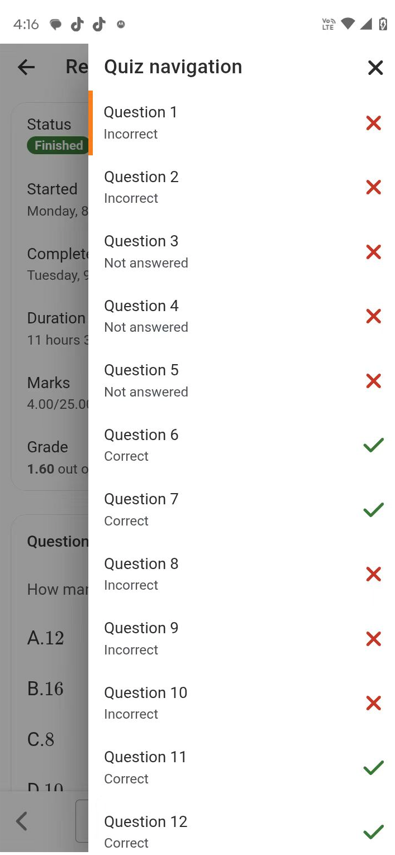
Please follow the mobile UI until you arrive the answer and steps menu, you can easily switch questions by the top right icon:
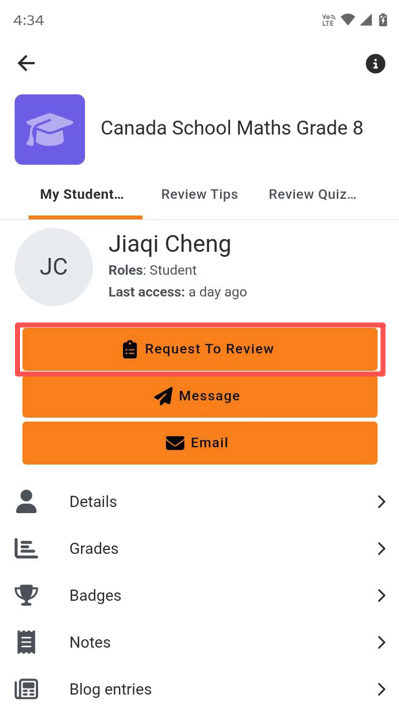
Or you can search any student by their first name or last name, then click "Request To Review" button:
The system will send an internal message to your student:
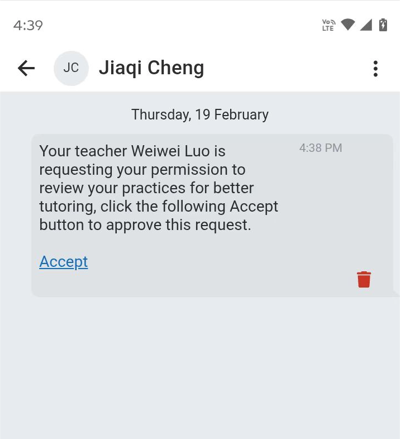
Then you can remind your student to click Accept button to accept your request, after that you will be connected with your student, and you can review their homework practices as the preview images.
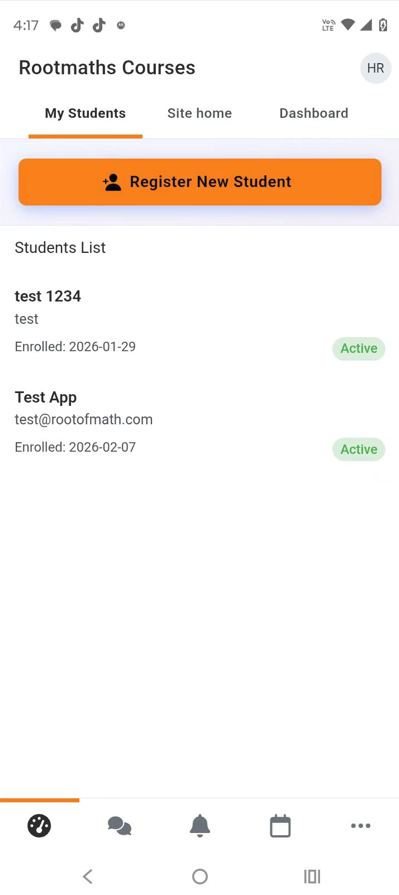
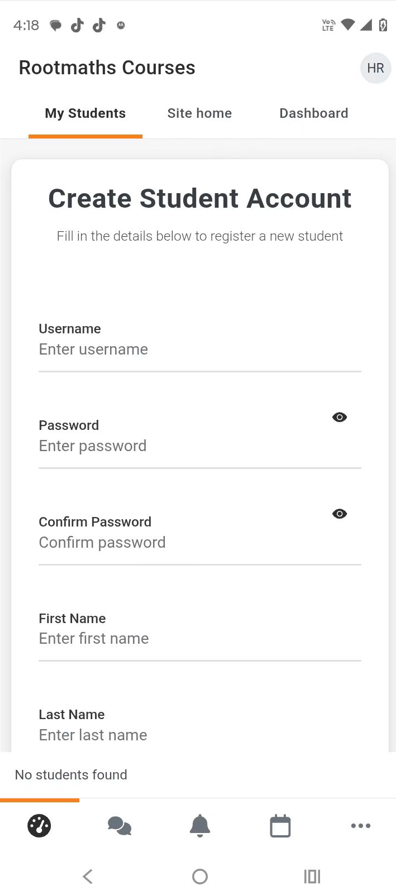
4.Register your new students by My Students->Register New Student.